Login And Main Menu
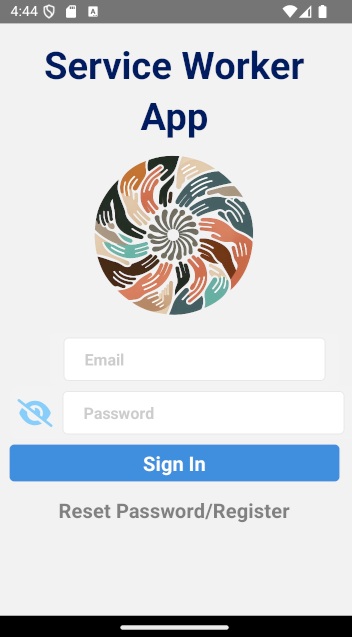
The main login page
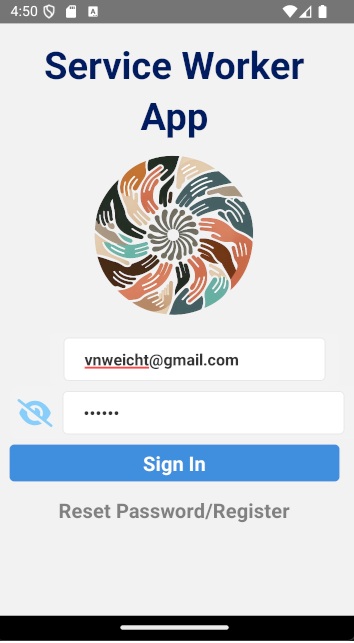
You must enter your email and password. The click the sign in button

If you are logged in correctly you should land on the home page.
You will see the name of the page at the top and a "hamburger button" to the left which can be clicked on to show all the navigable pages.
If you click on the button labelled "Preload Visit Config. Data" at the bottom of the Home Screen you will be able to download the informnation to start and complete EVV visits if you are not in a location with internet access.
You will see the name of the page at the top and a "hamburger button" to the left which can be clicked on to show all the navigable pages.
If you click on the button labelled "Preload Visit Config. Data" at the bottom of the Home Screen you will be able to download the informnation to start and complete EVV visits if you are not in a location with internet access.
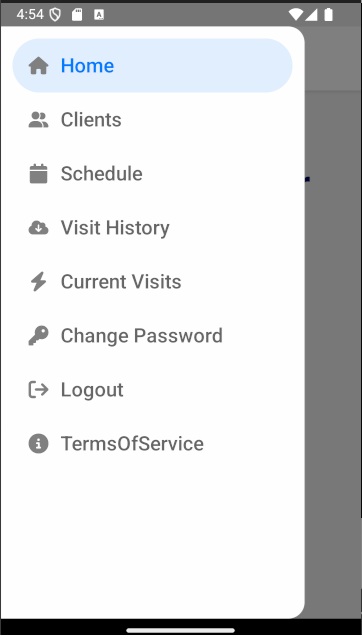
A shot of the menu.